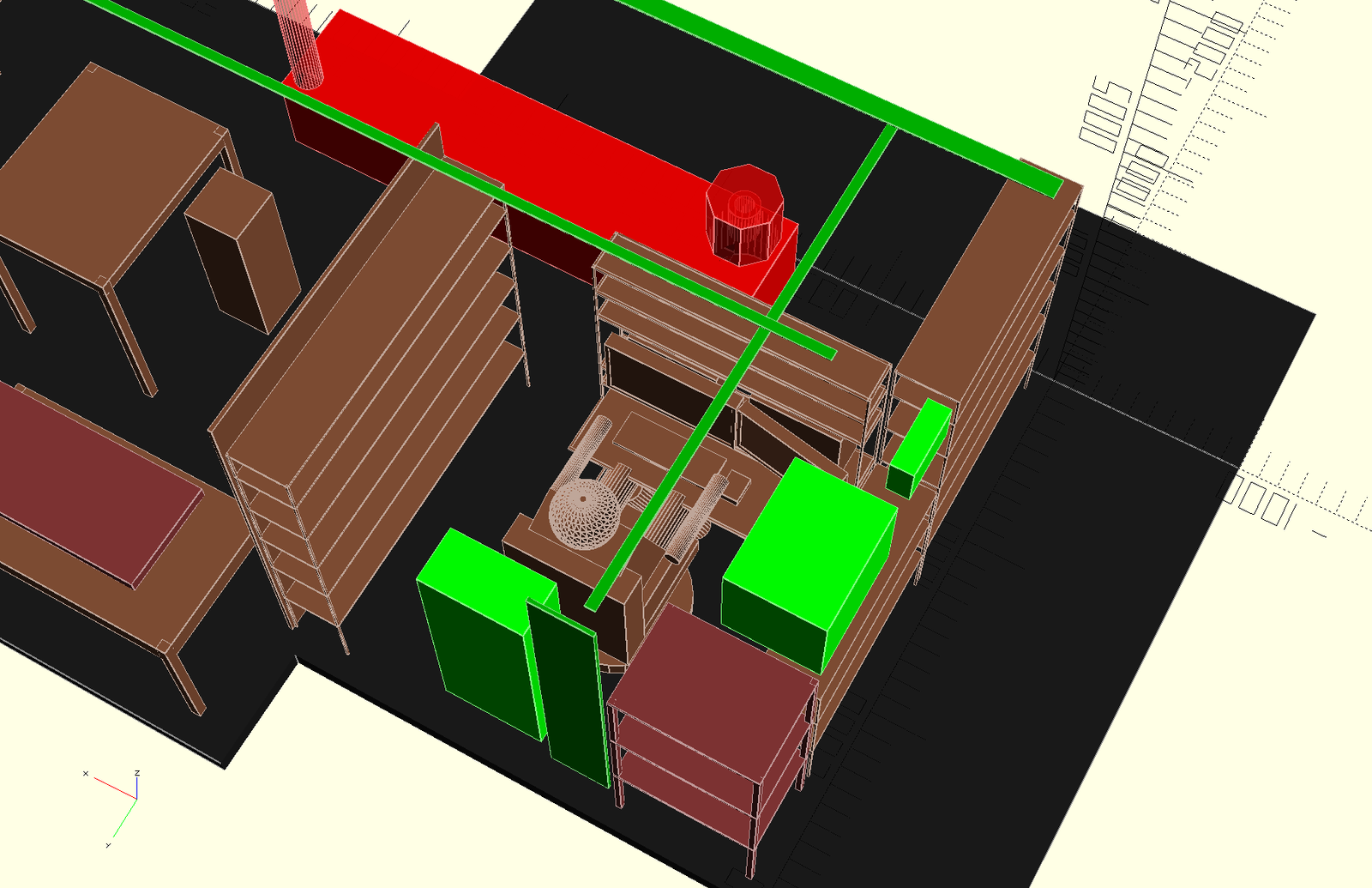
Staring at a blank wall or an outdated living room can feel paralyzing. You have a vague idea of what you want—maybe a cozier reading nook or a more functional kitchen—but translating that vision into a concrete layout is another story. Traditionally, this meant booking consultations with interior designers, flipping through expensive fabric samples, and waiting weeks for a mood board that might not even match your taste. But a new wave of digital tools has completely changed that workflow, and the AI room planner app is at the center of this shift.
These applications use machine learning to understand spatial dimensions, lighting, and furniture proportions, allowing you to experiment with thousands of design combinations in real time. You can upload a photo of your current room, and the software will generate realistic renderings of how it could look with different paint colors, flooring, and decor. The best part? You don’t need any technical skills or a design degree. If you can drag and drop, you can redesign a space. This article walks you through how to leverage these tools effectively, what features actually matter, and where they fall short, so you can make informed decisions before you commit to a full renovation.
What Is an AI Room Planner App and How Does It Work?
At its core, an AI room planner is a software application that automates the heavy lifting of interior design. Instead of manually measuring every piece of furniture or guessing how a sofa will fit against a wall, the app’s algorithms analyze the room’s geometry from your photos or a 3D scan. It then suggests layouts and decor items that are scaled correctly to your space. This is a practical application of broader artificial intelligence research, which has moved from academic theory into consumer-friendly products over the past decade.
The process typically works in three steps:
- Capture: You take a few wide-angle photos of the room or input its dimensions manually.
- Analyze: The app identifies walls, windows, doors, and existing furniture using computer vision.
- Generate: It then proposes multiple design styles—from minimalist to bohemian—with realistic textures and shadows.
Some advanced apps go a step further by offering a “virtual walkthrough” mode, where you can move through the redesigned space as if you were physically there. This level of immersion helps you understand how traffic flows and whether a layout feels cramped, which is something static mood boards never captured.
Why You Should Use an AI Designer Instead of a Human Professional
Hiring a professional interior designer can cost anywhere from a few hundred to several thousand dollars, depending on the scope of the project. For many homeowners, that budget is simply not available, especially if they are already planning to spend money on new furniture and paint. An AI room planner app offers a viable alternative for those who want professional-grade results without the professional price tag.
There are several distinct advantages to using software for your design needs:
- Speed: You can test a dozen different color schemes in the time it takes to make a cup of coffee.
- Cost: Most apps offer a free tier or a one-time purchase fee, far less than a consultation retainer.
- Experimentation: You can try bold ideas—like an accent wall in deep emerald green—without any real-world risk.
- Control: You are in charge of every decision, from the exact shade of white on the trim to the material of the throw pillows.
That said, a human designer brings an element of creativity and spatial intuition that algorithms still struggle to replicate. They can source unique vintage pieces, understand local building codes, and offer a personal touch that software lacks. For a full gut renovation or a historically significant home, a professional is still worth the investment. But for refreshing a bedroom, staging a rental property, or planning a home office, the AI route is often smarter.
Understanding the Limitations of AI-Generated Designs
It is important to set realistic expectations. While the renderings are impressive, they are not perfect. AI models sometimes struggle with irregular room shapes, unusual ceiling heights, or spaces with slanted walls. They also rely heavily on the quality of the photos you upload—poor lighting or cluttered backgrounds can confuse the algorithm. Additionally, the furniture catalogs within these apps are limited to what the developer has licensed, so you might not find that exact vintage armchair you saw online.
Another consideration is scale. The apps are great for visual inspiration, but they do not handle electrical outlets, plumbing, or load-bearing walls. If you plan to move a sink or knock down a wall, you will still need an architect or contractor. Use the AI planner for what it is: a powerful visualization tool, not a replacement for engineering expertise.
Key Features to Look for in a Room Planner App
Not all AI room planner apps are created equal. Some are little more than glorified photo editors, while others offer deep design logic. When you are evaluating your options, keep an eye out for these features that separate the useful tools from the gimmicks.
- Accurate 3D Rendering: The app should produce photorealistic images with proper lighting and shadows, not flat 2D mockups.
- Object Recognition: The best apps can automatically detect the boundaries of your room and the position of existing furniture, saving you from manual adjustments.
- Extensive Furniture Library: Look for a wide selection of items, ideally with real-world dimensions and prices so you can plan your budget.
- Style Suggestions: The app should offer curated palettes and furniture arrangements based on your chosen aesthetic, rather than just a blank canvas.
- Export Options: Being able to save high-resolution images or share a 3D tour with a contractor or partner is essential for moving from planning to execution.
Many platforms now integrate with broader creative ecosystems. For example, some tools allow you to generate a design concept and then immediately feed that prompt into a chatbot or image generator to explore variations. This kind of interoperability is where the technology gets really exciting, as it bridges the gap between structured design software and open-ended creative exploration.
Step-by-Step Guide to Redesigning a Room with AI
Ready to try it yourself? The process is intuitive, but following a structured approach will yield better results. Here is a simple playbook to get the most out of your first attempt.
Step 1: Take High-Quality Photos
Clear your room of clutter and open the curtains. Natural light helps the algorithm understand the space. Take photos from multiple angles, including corners, to give the app a full picture. Avoid using wide-angle lenses that distort proportions.
Step 2: Define Your Goals
Before you open the app, write down what you want to achieve. Are you aiming for a brighter, airier feel? Do you need more storage? Are you trying to create a specific mood, like cozy or professional? The more specific you are, the easier it will be to evaluate the app’s suggestions.
Step 3: Experiment with Different Styles
Do not settle for the first option. Use the app to generate several completely different looks—a Scandinavian minimalist style, a mid-century modern vibe, and a maximalist approach. Compare them side by side on your screen. You might be surprised by what appeals to you once you see it rendered realistically.
Step 4: Fine-Tune the Details
Once you have a base design, zoom in on the details. Change the rug pattern, swap out the coffee table, adjust the wall art. This is the stage where you can really make the space feel like yours. Remember that you are not just looking for aesthetics; consider how the layout works for your daily routine.
Using AI to Overcome Design Decision Fatigue
One of the most underrated benefits of these tools is how they reduce decision fatigue. When you are renovating, you are faced with hundreds of micro-decisions—paint sheen, door handles, light bulb temperature—and your brain gets tired. An AI room planner app can take over some of that cognitive load by presenting you with a cohesive, pre-vetted set of choices. It does not make the decision for you, but it narrows the field dramatically.
This is particularly helpful when you are working on a tight deadline, like staging a home for sale or preparing a nursery before a baby arrives. Instead of spending weekends driving between showrooms, you can narrow down your favorites virtually and only visit stores to touch and feel the final two or three options. This efficiency is a game-changer for busy professionals and parents. The technology is also becoming more conversational, with some platforms allowing you to type requests like “make this room feel more futuristic” and instantly receiving a revised layout, much like a real-time design conversation.
The Future of Home Design with AI
The capabilities of these tools are expanding rapidly. We are moving toward a point where the software will not only show you what a room looks like but also predict how it will feel based on psychological principles. Imagine an app that knows that cool blue tones promote relaxation in a bedroom while warm yellows stimulate appetite in a kitchen. This kind of data-driven design is just over the horizon, powered by larger and more sophisticated models trained on vast datasets of human preferences.
There is also a growing trend toward integrating AI room planners with augmented reality (AR). Instead of looking at a 2D screen, you will be able to hold up your phone and see a virtual sofa placed in your actual living room, moving around it and checking the view from every angle. This will eliminate the guesswork entirely, ensuring that the piece you order online is the right size and style for your space. As the underlying technology becomes more accessible through open-source platforms, we can expect even more specialized tools to emerge, each catering to a niche like tiny homes, rental apartments, or eco-friendly materials.
Conclusion
An AI room planner app is more than a novelty; it is a practical solution for anyone who wants to improve their living space without the expense and time commitment of a traditional designer. By providing instant, realistic renderings and a sandbox for experimentation, these tools empower you to make confident choices. While they are not a substitute for professional architects on complex structural projects, they are an excellent first step for cosmetic changes and layout optimization.
The next time you feel stuck on how to arrange your furniture or choose a paint color, open one of these apps and play around. You might discover a design solution that you never would have considered on your own, and you will have saved yourself a significant amount of money in the process. The best room in your house is waiting to be revealed—all it takes is a little digital creativity.
Frequently Asked Questions (FAQ)
Will an AI room planner app work on a room with an irregular shape?
It can, but with limitations. Most apps handle standard rectangular or L-shaped rooms well. If your room has slanted ceilings, alcoves, or unusual angles, you may need to manually adjust the floor plan after the initial scan, and the results might be less accurate.
Do I need to take professional photos for the app to work?
No, but good lighting and a clear view of the room help. Aim for natural daylight and try to capture the space from multiple corners. Poor photos can confuse the object recognition software and lead to inaccurate furniture scaling.
Can I use an AI room planner to design an outdoor patio or garden?
Some apps offer outdoor modes, but they are less common and often less detailed than indoor versions. For basic layout ideas and furniture placement, it can work, but plant selection and hardscaping are usually better handled with specialized landscaping tools.
Is the furniture shown in the app actually available for purchase?
Many apps partner with retailers and include real products with prices and links. However, some items are generic 3D models meant only for inspiration. Always check the product details to see if a specific item is shoppable.
How long does it take to learn how to use an AI room planner app?
Most are designed to be intuitive, and you can produce a basic design within 15 to 30 minutes. Mastering advanced features like custom lighting or creating multi-room plans might take a few hours of practice.
Will a designer be able to use the plans I create with an AI app?
Yes, you can export your designs as images or 3D files and share them with a contractor or designer. They can use your vision as a starting point and translate it into technical drawings and material lists for implementation.